We’re back with the Lunar Recap #22, the first installment of the series in 2026! We started the new year off strong with a brand new Lunar Client mod, various improvements to the Skyblock Mod, the introduction of a long awaited feature in the Cosmetics Locker, and much more! We can’t wait to share everything we’ve been working on this month, so let’s get started!
You can also check out this month’s Lunar Client recap video below!
F3 Display Mod
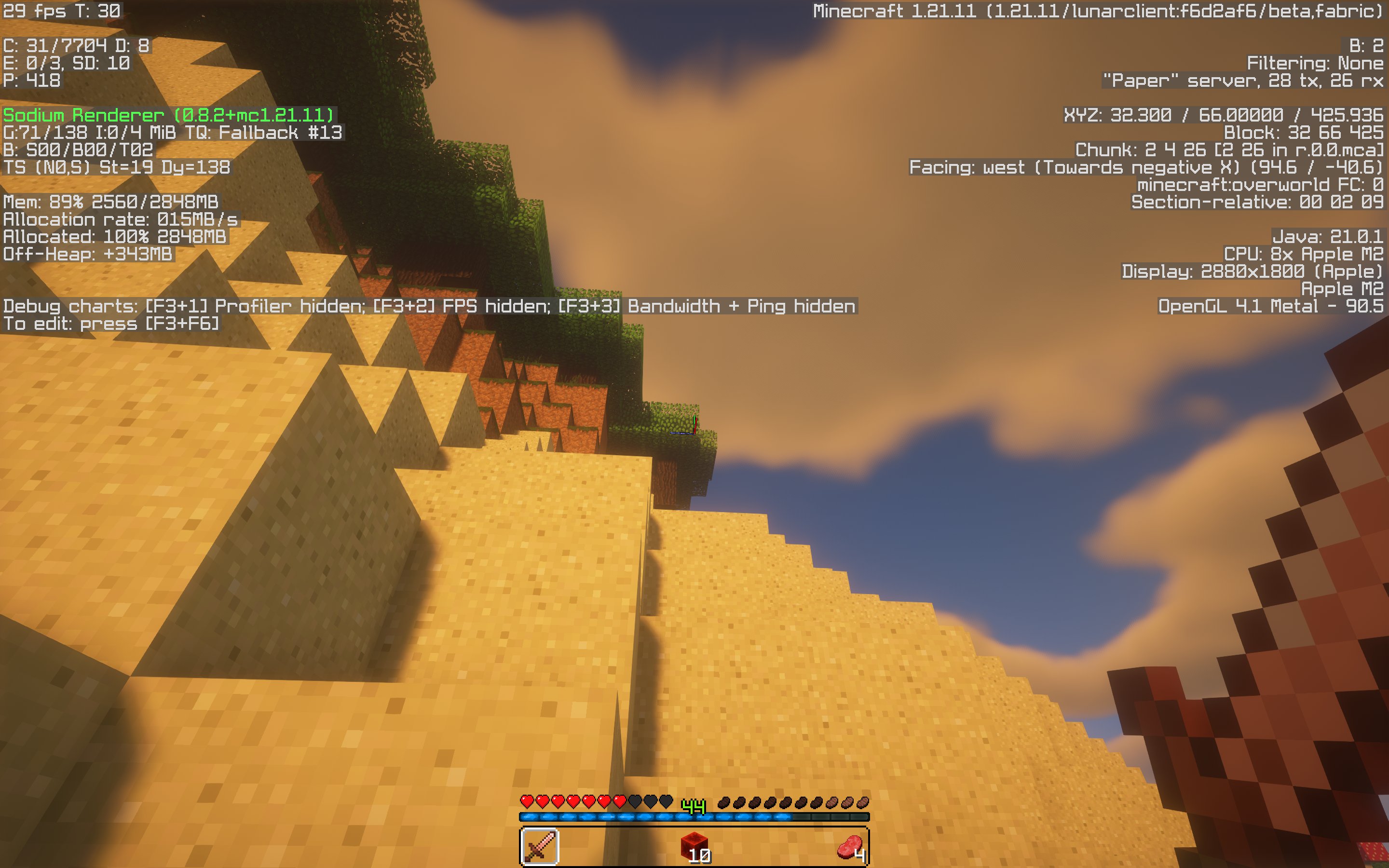
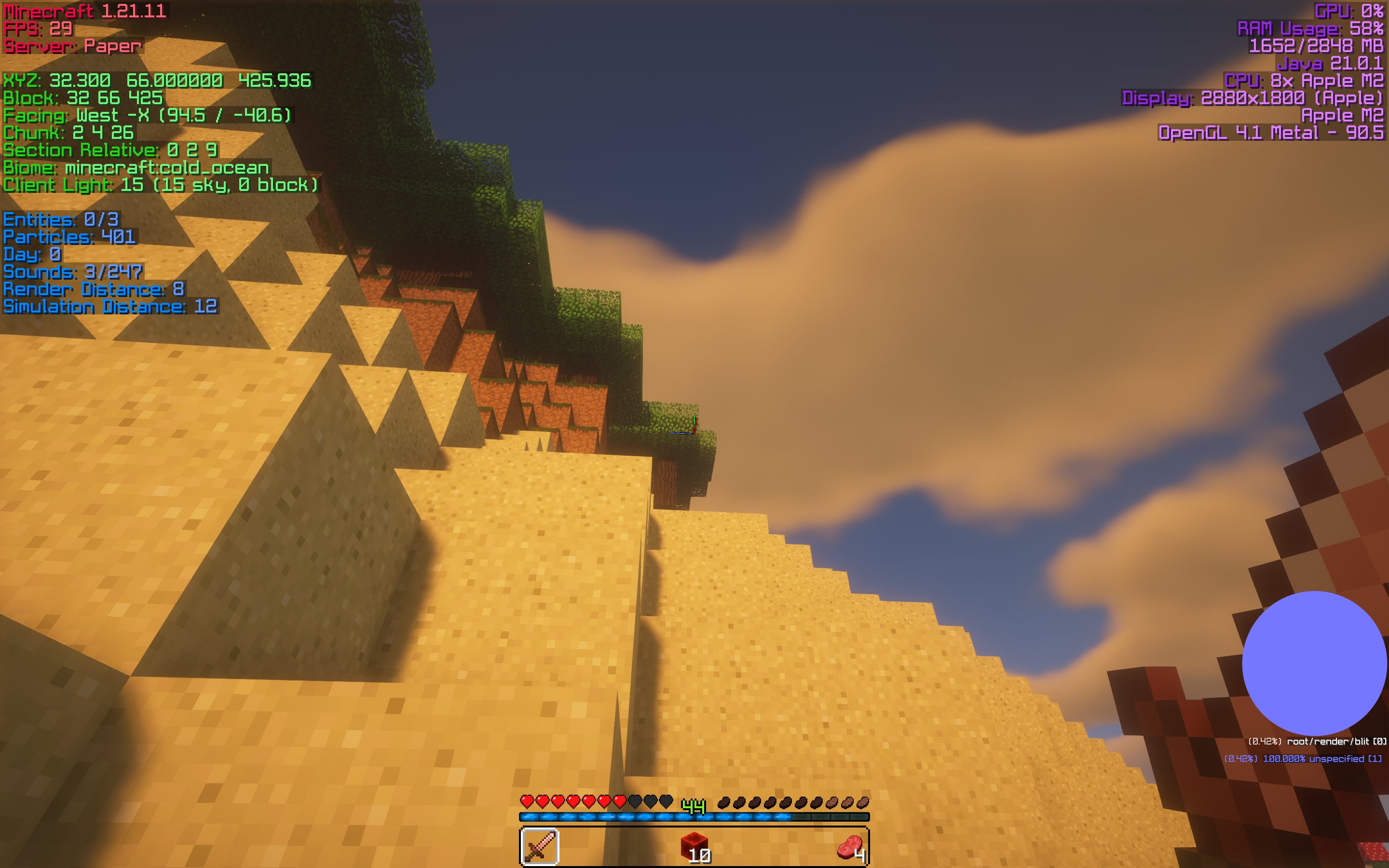
This month, we added the brand new F3 Display Mod. With this new mod, you’ll be able to fully customize your F3 menu. This includes both its visual appearance but also the many components of the menu itself. For instance, with the F3 Display Mod, you’re now able to add and remove the various modules so as to keep only relevant information on the F3 menu. You can also move the components from the F3 menu around your HUD, allowing you to customize the positioning. Furthermore, you can now make elements from the F3 menu visible on your HUD even when the F3 menu is closed.
Skyblock Changes
Let’s jump into the many Skyblock modifications that we made to the client this month, ranging from a new Chest Profit Calculator, improvements to the Terminal Solver, and a couple of Diana feature improvements.
Chest Profit Calculator
Our Dungeon and Kuudra players will be happy to know that we’ve added a calculator for Chest Profits in both areas. This means you won’t have to worry about picking a chest that loses money since you can now directly see how much you’ll make based on the item’s Bazaar price. Many popular SkyBlock mods have had this feature for quite some time, and we’re excited to finally bring it to the client natively.

Improved Terminal Solver
We also improved our Terminal Solver with the addition of the Four Device Solver, which makes it much easier to see where to fire—especially with the prefire highlight which shows up as yellow.
Diana Sphinx Trivia Solver
Next up, with the release of the Diana V2 update in SkyBlock, the team worked on a couple new features to make this event even easier for you. With the many new mobs added in this update, the Sphinx is one of the more unique ones. Digging it up will first ask you a question, where if you get it wrong, the mod’s health increases by 50%, bringing it from fifty million up to seventy five. But with the addition of our Sphinx Solver, you won’t have to worry about this, as you’ll be able to simply press a keybind which will select the correct answer automatically. This way, you won’t be fighting mobs with more health if you don’t have to—plus, it will speed up your Diana sessions!
Diana Mob HUD
Finally, we implemented a brand new Diana Mob HUD, which shows you a few crucial pieces of information. This includes whether or not you’ll receive lootshare off of the mob you’re fighting, and if you’ve hit it with a shuriken yet for that added magic find. It’s important to note, though, that the Lootshare Display won’t work with magic damage, as there isn’t a reliable way to track these sorts of attacks. So if you want to be extra safe, just make you smack it a few times with your melee weapon, and you should be all good.
Outfits
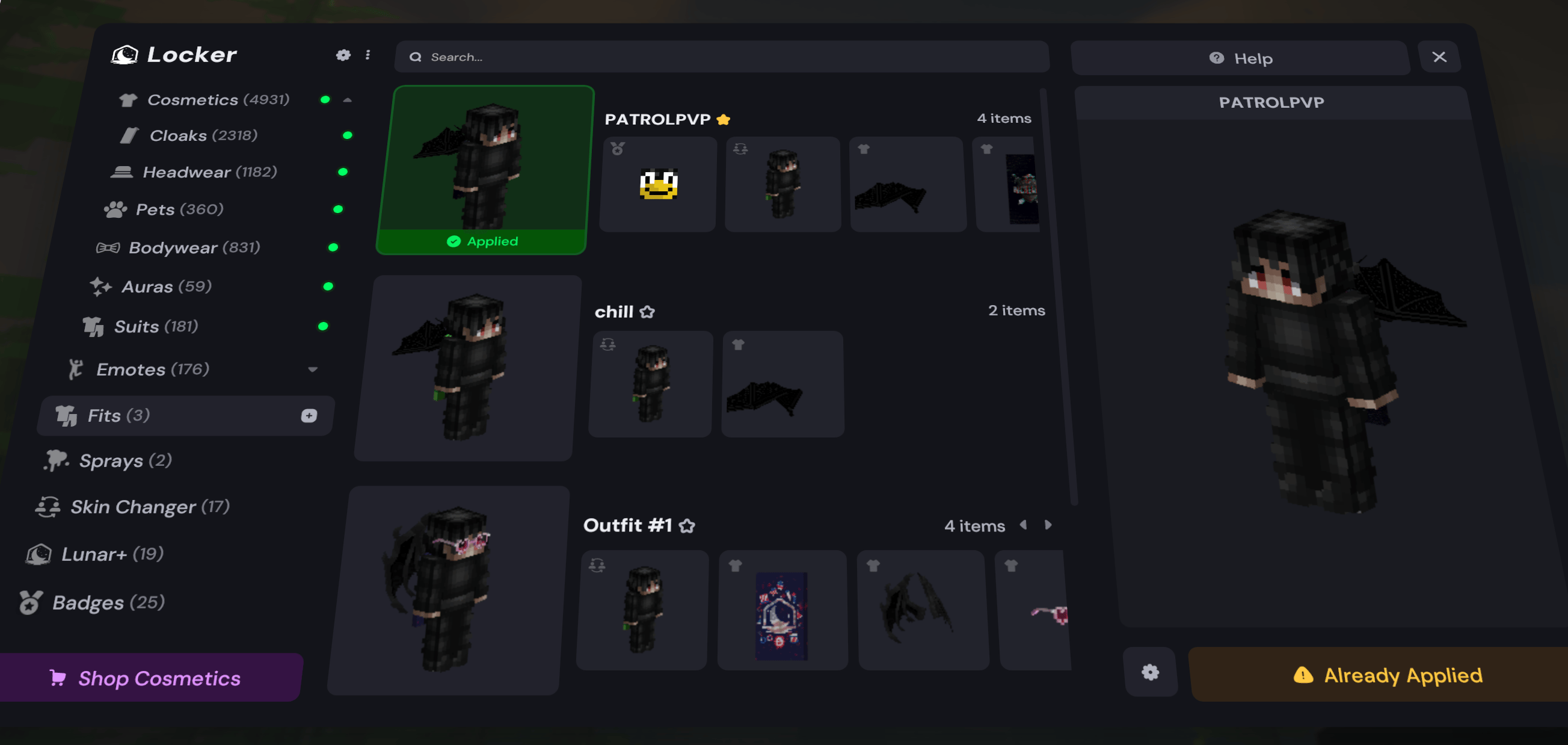
Following the myriad of Skyblock updates this month, we want to highlight a highly-requested feature that was recently added to the Cosmetic Locker: Outfits! Inside the Cosmetic Locker, you’ll now see a new Fits section, which allows you to save and swap to different outfits. These fits will save almost every customizable feature about your player, such as your skin, badge, and of course any cosmetics that you have equipped. To create a new Outfit, simply open the Fits tab in the Cosmetic Locker, then press
Create a new outfit
at the bottom. Your currently equipped skin, badge, and cosmetics will all be saved into a new Outfit that you can easily put on at any time.
Armor Trims Emote Support
We also fixed an issue that’s been plaguing many of our players on modern versions. Previously, players that had armor with trims equipped would not see their trims when emoting. Luckily, we recently added armor trim compatibility to Lunar Client emotes, allowing you to show off your armor trims while emoting.
New Lunar+ Colors
Lastly, we’ve just released some new “+” colors for our Lunar+ subscribers. If you’ve been subscribed for 45, 48, 51, and 54 months, you’ll notice some brand new “+” colors in your Cosmetic Locker!

Conclusion
That wraps up our recap of August 2025 on Lunar Client. As always, if you have any questions or are experiencing issues with Lunar Client, create a ticket on our Support Website or join the Lunar Client Discord server! If you are unsure of how to create a ticket, please view the Lunar Client Support Guide.
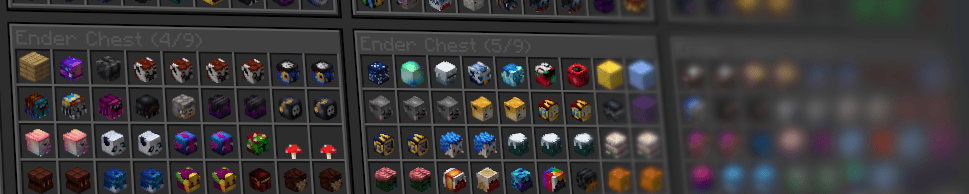
But before you go, we’re going to be teasing an exciting upcoming Skyblock feature that will be releasing very soon! Enter: Custom Storage Overlay. Not only does this feature make it much easier to see all of your storage items at once, but you can also search for items in any of your backpack or enderchest pages to quickly find whatever you're looking for. This update also has a plethora of customization options, but that’s for you to discover once the feature is actually released.